
Course
Invenias Professional - Reference - Bite size modules to learn or refresh the memory
33Modules
5h 7mOf video
6Topics
After training on Invenias Professional, either with a live trainer or a video, you might have questions a few weeks later and need to look up how to do something. This course refresher is broken into short bite-sized chunks to easily select the area of interest and find out how.

Course content
What you will watch
Getting started 2


Setting up your database 10
-
 3
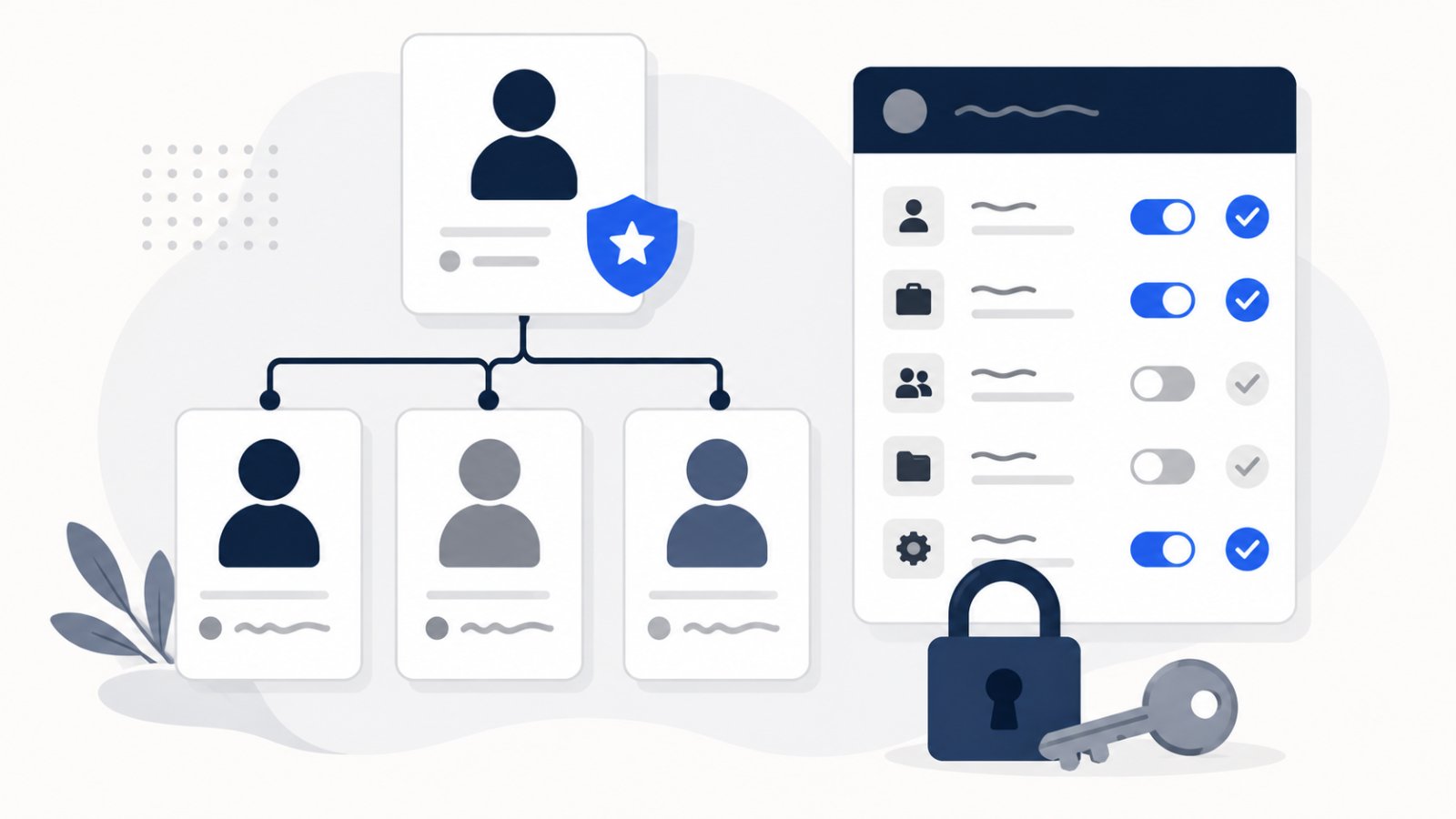
Set up users
3 min
-
 4
Set up user roles
7 min
-
 5
Setting up branding
4 min
-
 6
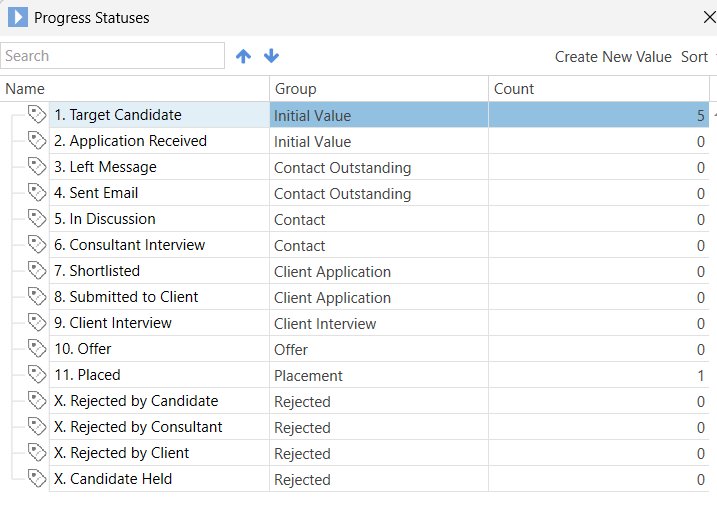
Setting up assignment progress status
5 min
-
 7
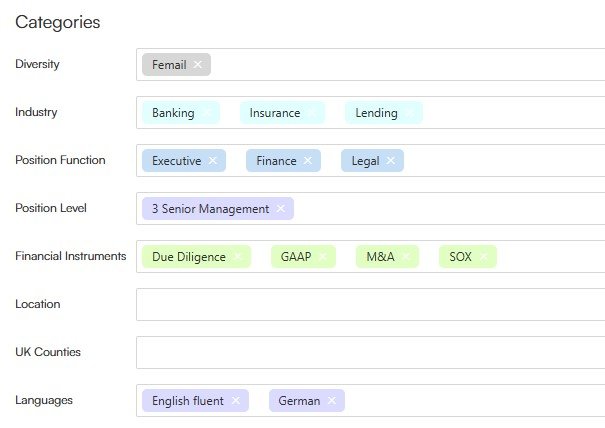
Modifying Categories
10 min
-
 8
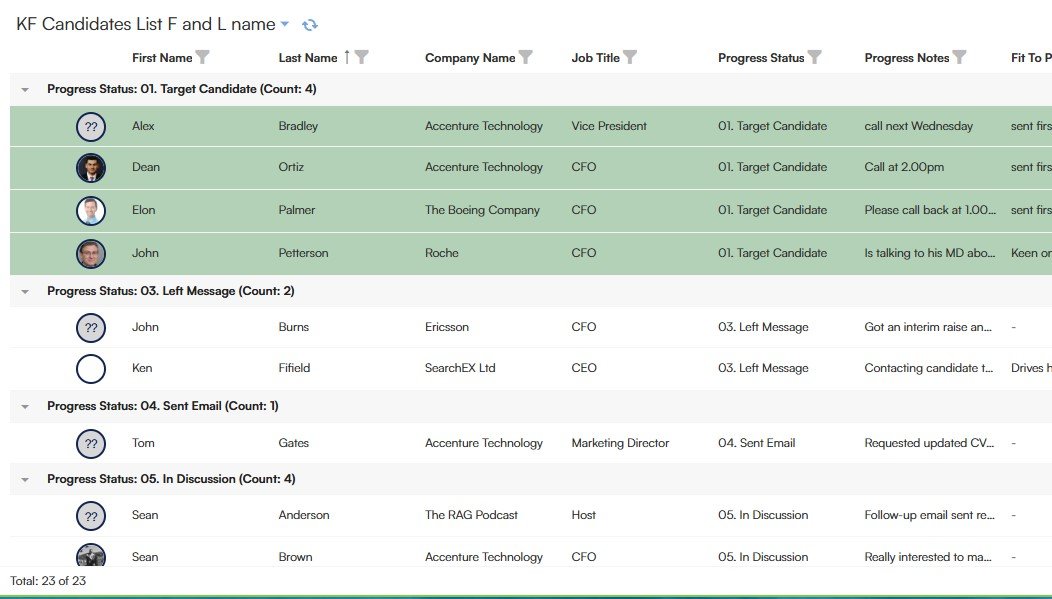
Setting up list views
8 min
-
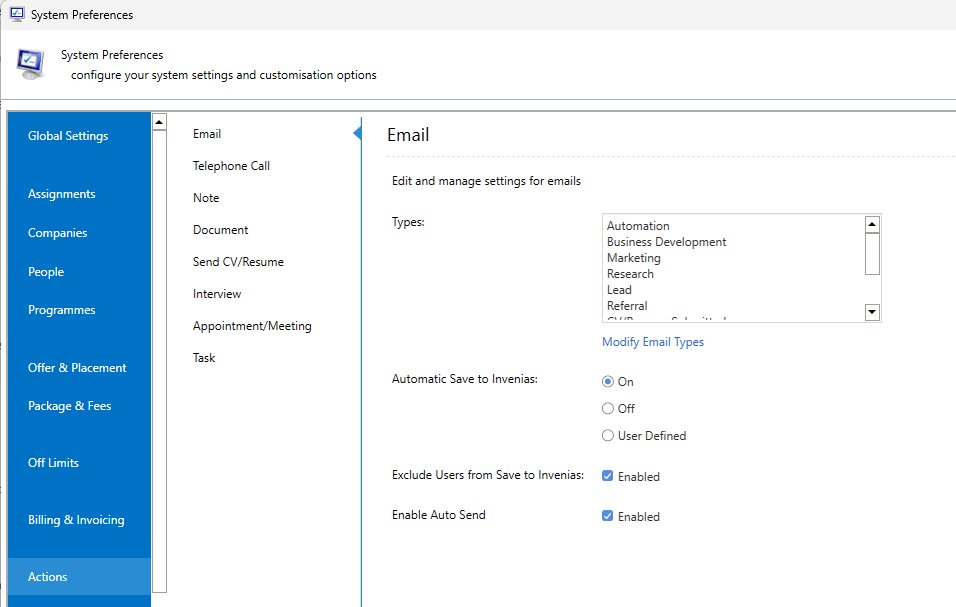 9
Setting up Actions - email, phone, note and documents
7 min
-
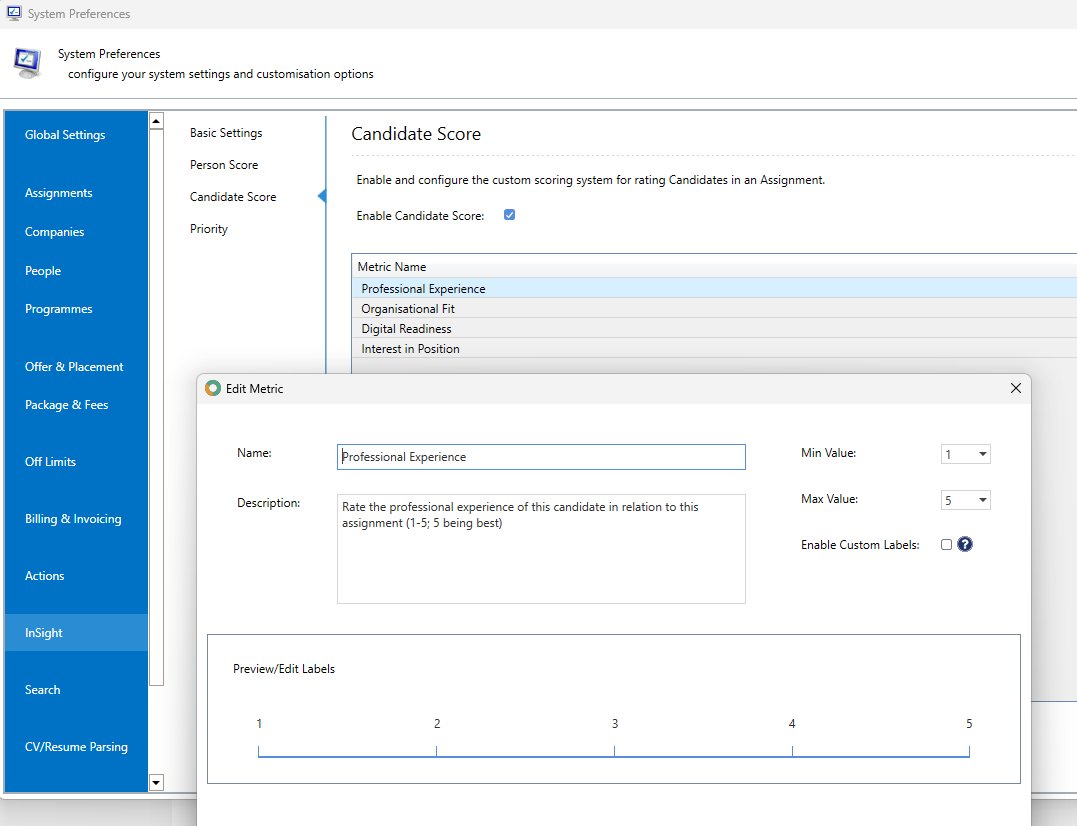 10
Setting up Scoring
5 min
-
 11
Creating your own Templates
13 min
-
 12
GDPR
18 min
Building the candidate database 4
-
 13
Adding candidates from CV's / Resumes or LinkedIn
15 min
-
 14
Researching Candidates
14 min
-
 15
Categorising Candidates
14 min
-
 16
Processing Candidates
14 min
Running assignments 6
-
 17
Creating Assignments
9 min
-
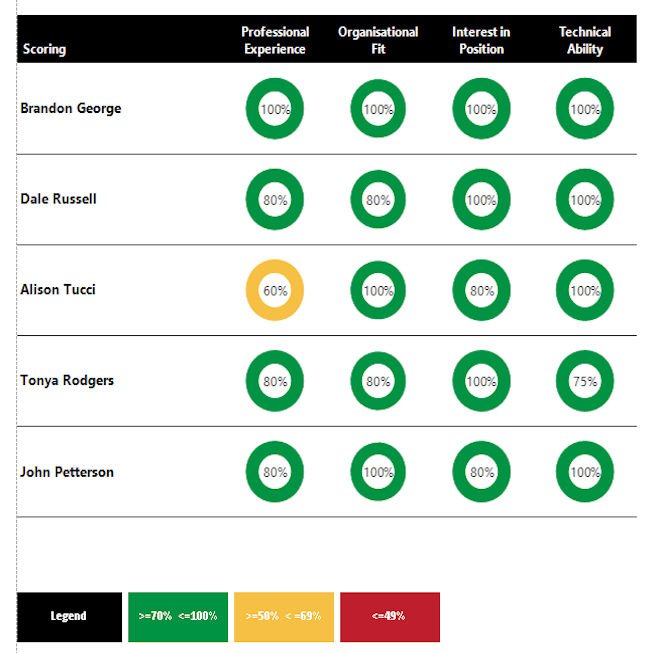 18
Scoring and Feedback
14 min
-
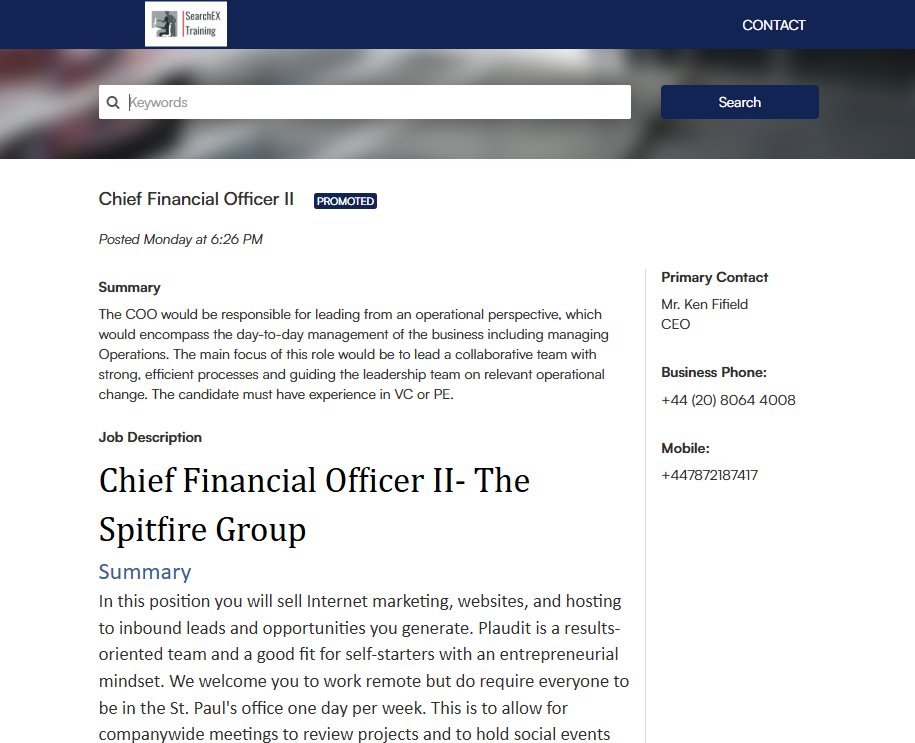 19
Invenias Apply - Advertising
7 min
-
 20
Multiple CV send and Configuration
8 min
-
 21
Making offers and placements
8 min
-
 22
Weekly and shortlist reports
10 min
Searching 7
-
 23
Searching Invenias for candidates
15 min
-
 24
Searching - 123 guide to better searching
16 min
-
 25
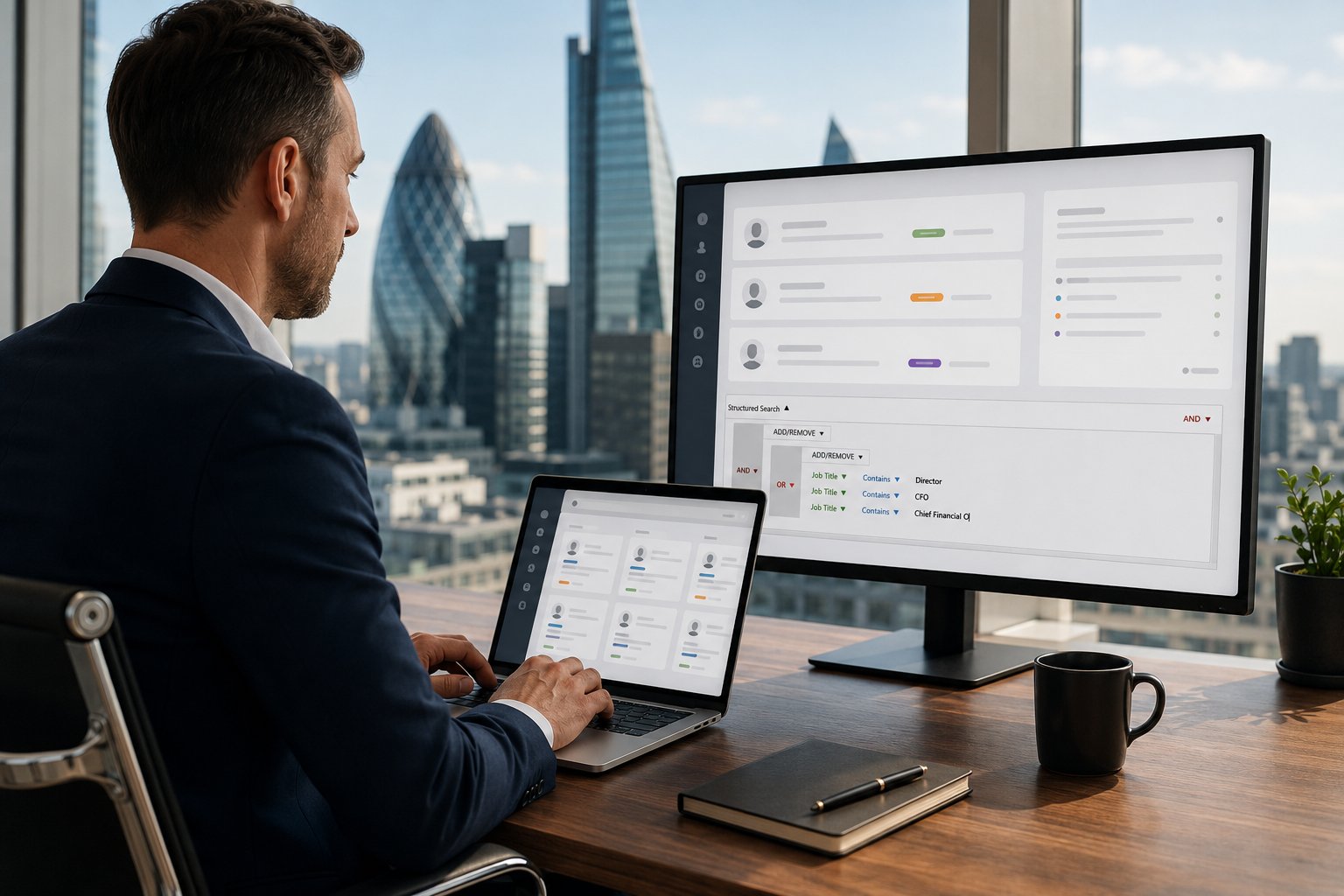
Structured search "OR" Construct for flexible parameter searching
8 min
-
 26
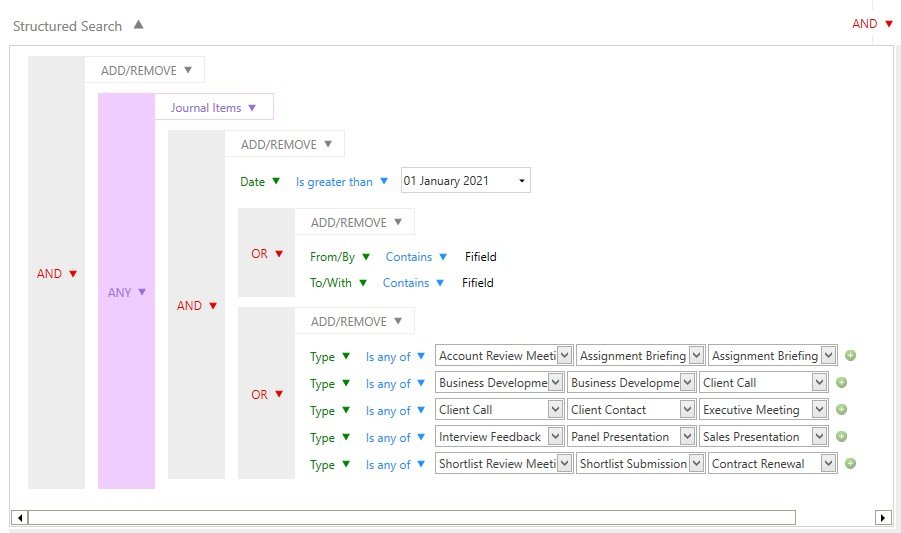
Structured Search - Searching by location
6 min
-
 27
Structured Search - Searching for Experienced candidates
7 min
-
 28
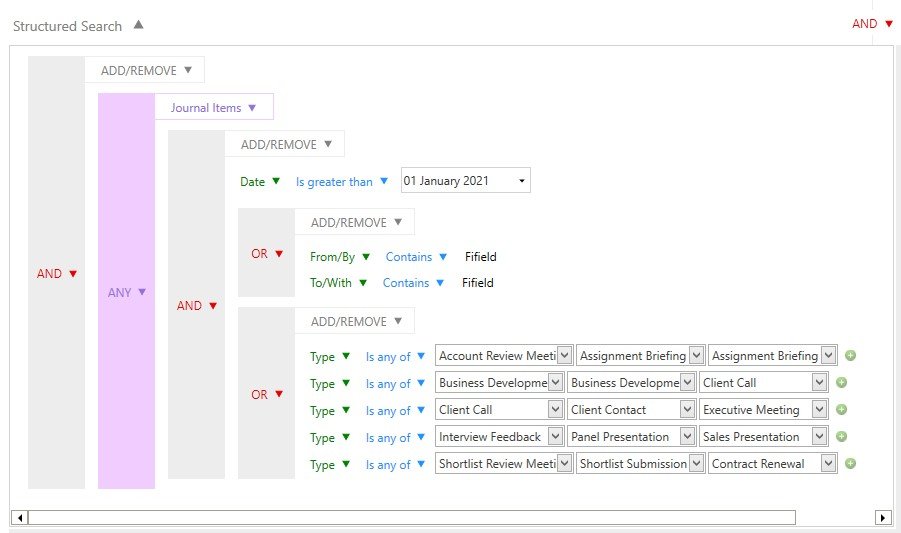
Structured Search - Excluding longlist candidates from a search result
3 min
-
 29
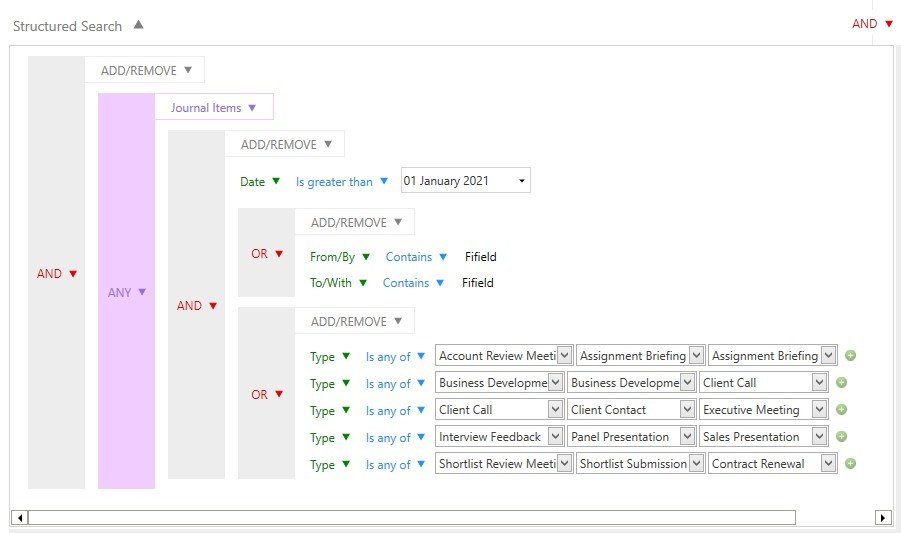
Structured Search - Searching contacts for Business Development
10 min
Productivity 2


-
 32
Welcome to the course
1 min
-
 33
More resources for you
1 min